Help
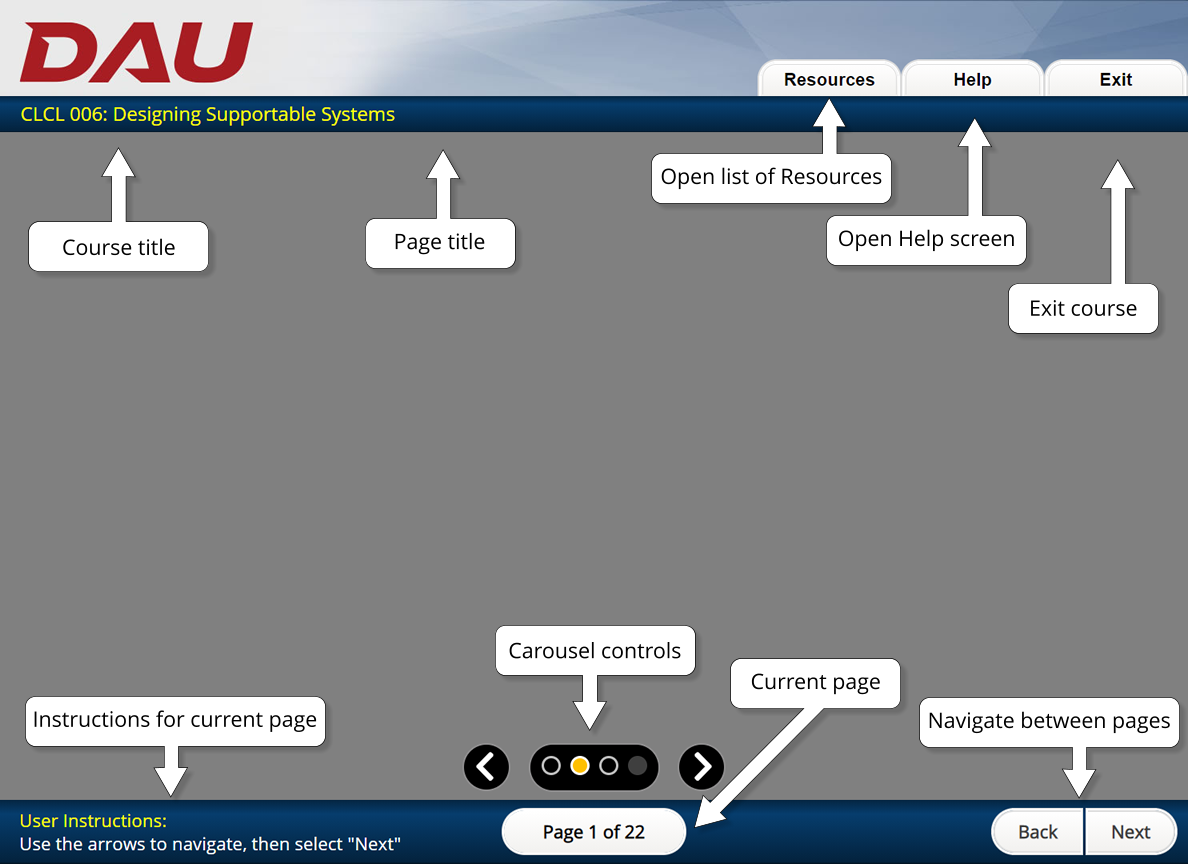
A copy of a standard screen with course navigation features highlighted using a text box with an arrow for each feature. Across the top, left to right, with arrows pointing upward: Course title, Page title, Open list of Resources for the Resources tab, Open Help screen for Help tab, and Exit course for Exit tab. Across the bottom, left to right, with arrows pointing downward: Instructions for current page, Carousel controls (with left and right arrows), Current page, and Navigation between pages (Back, Next).
v04-21-22a